Start with what you need
Create a purchasing comparison, list the items and quantities you need, and add a target unit price, category, unit or notes where useful.

 QuoteGridby FutureSpark Studio
Bring supplier offers and your purchasing requirements together. Compare the details that matter, see where quotes are incomplete, and make your decision with a clearer view of cost.
For iPhone and Android. Store purchase availability and localised pricing are shown by Apple or Google where offered.
Make the comparison clearer
Create a purchasing comparison, list the items and quantities you need, and add a target unit price, category, unit or notes where useful.
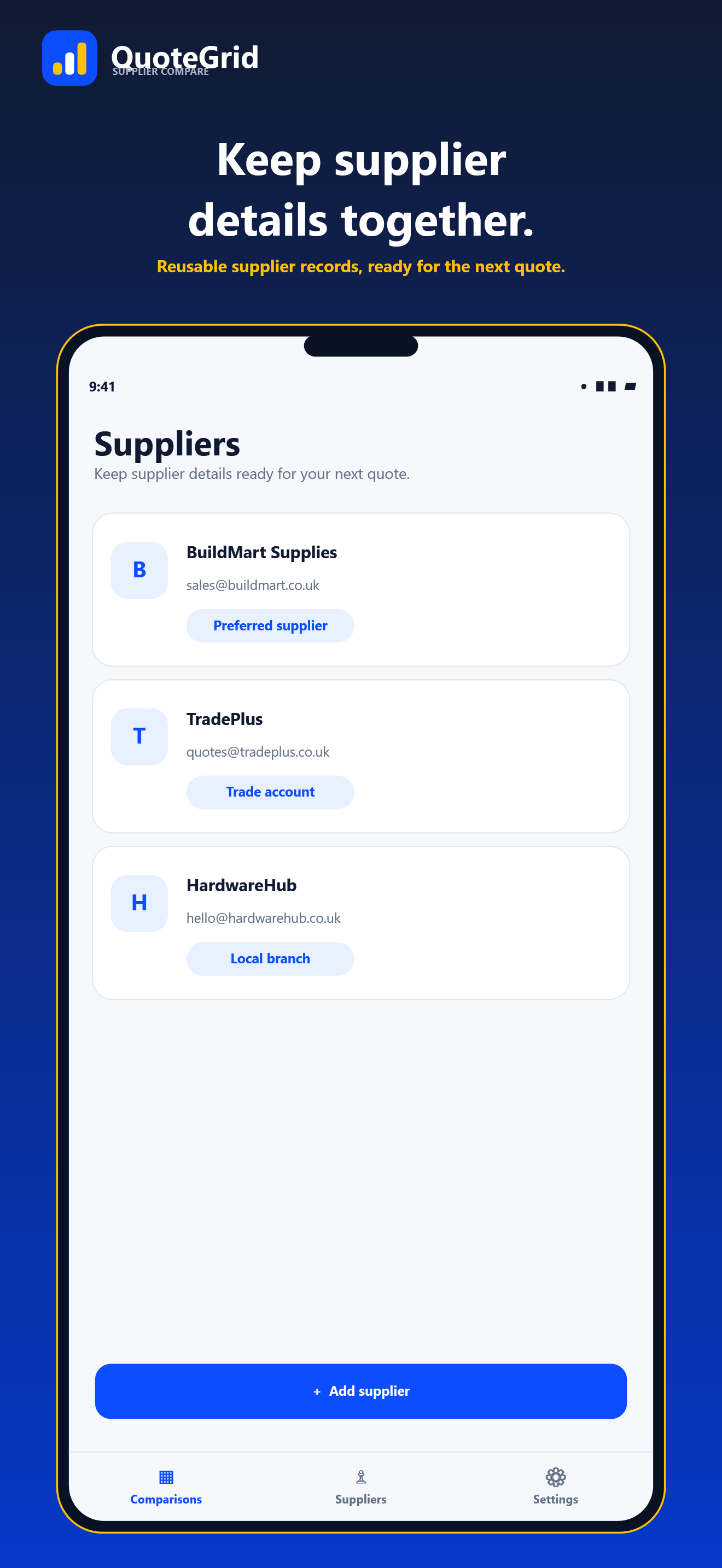
Save supplier contacts and enter quote references, dates, expiry, lead time, payment terms and quoted item details in one place.
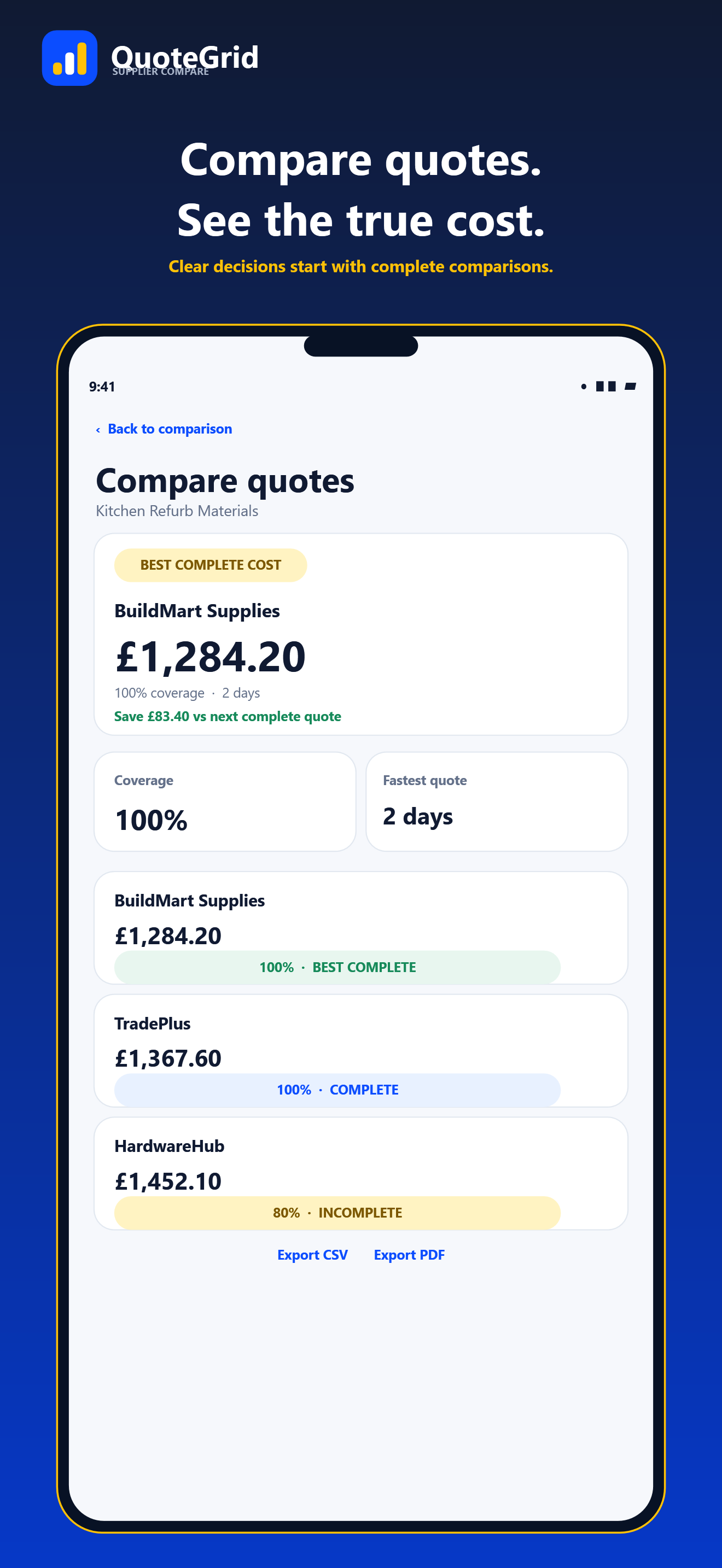
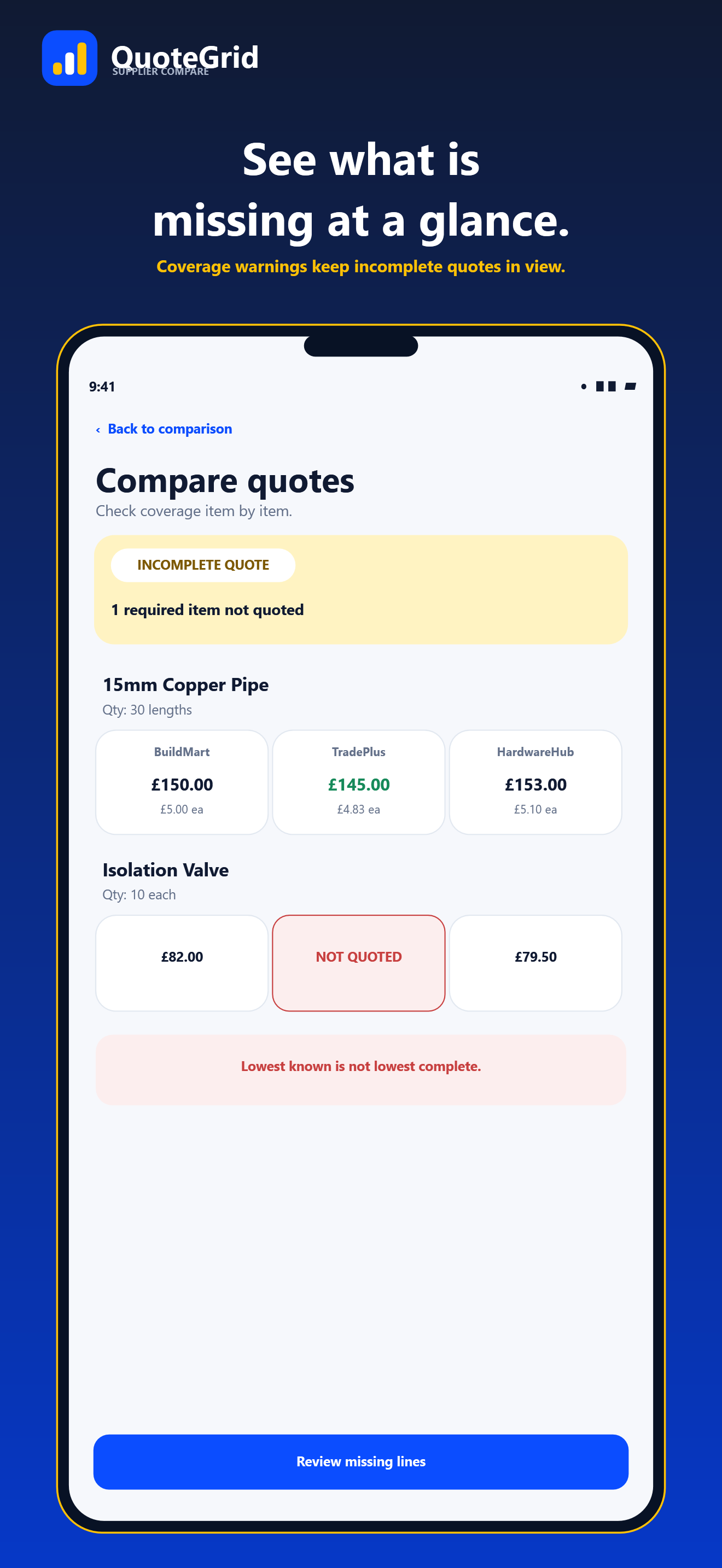
Review unit prices, quoted quantities, coverage and lead time. QuoteGrid highlights missing items and unresolved or unconfirmed costs so an incomplete offer is not mistaken for the best complete quote.
With Pro, include delivery, other fees, discounts and tax treatment in full landed-cost calculations before comparing totals.
See the comparison take shape
COMPARE THE WHOLE OFFER
Capture the pieces that can change the cost or timing of a purchase. QuoteGrid highlights quote coverage and items needing attention so you can review what is—and is not—included.
Start with the essentials
Free
Compare a smaller purchasing decision, with no account required.
One purchase. Lifetime access.
Unlock the complete comparison toolkit. No subscription.
Apple App Store or Google Play handles checkout and displays the product name and localised price when the purchase is available in that store.
No price is fixed on this page because store prices and availability can differ by country and storefront.
LOCAL-FIRST BUSINESS TOOL
Supplier details, requirements and quote comparisons are saved in a local database on your device. QuoteGrid has no account, cloud database, sync, advertising or analytics.
Read the QuoteGrid Privacy PolicyYou can organise purchasing requirements and supplier quotes, then compare item prices, quantities, quote coverage and lead time. QuoteGrid Pro adds landed-cost calculations for delivery, fees, discounts and tax treatment.
No. QuoteGrid helps you record and compare information from supplier offers. It does not send messages to suppliers or place orders for you.
QuoteGrid Free supports one active comparison at a time, up to 10 requirement lines in a comparison and up to three suppliers per comparison. You can enter requirements and quotes by hand and review item totals, coverage and lead time.
Pro is an optional one-time lifetime purchase with no subscription. It unlocks unlimited comparisons, up to 10 suppliers per comparison, requirement and quote CSV imports, full landed-cost calculations, PDF and CSV reports, and complete comparison history. The relevant store shows its localised price and whether the purchase is available in your storefront.
QuoteGrid stores business records in a local database on your device. It has no QuoteGrid account, cloud database or sync service. Read the separate privacy policy for details about imports, exports, store purchase status and support messages.
NEED A HAND?
For QuoteGrid questions or support, contact FutureSpark Studio.