Keep the stock list you already use
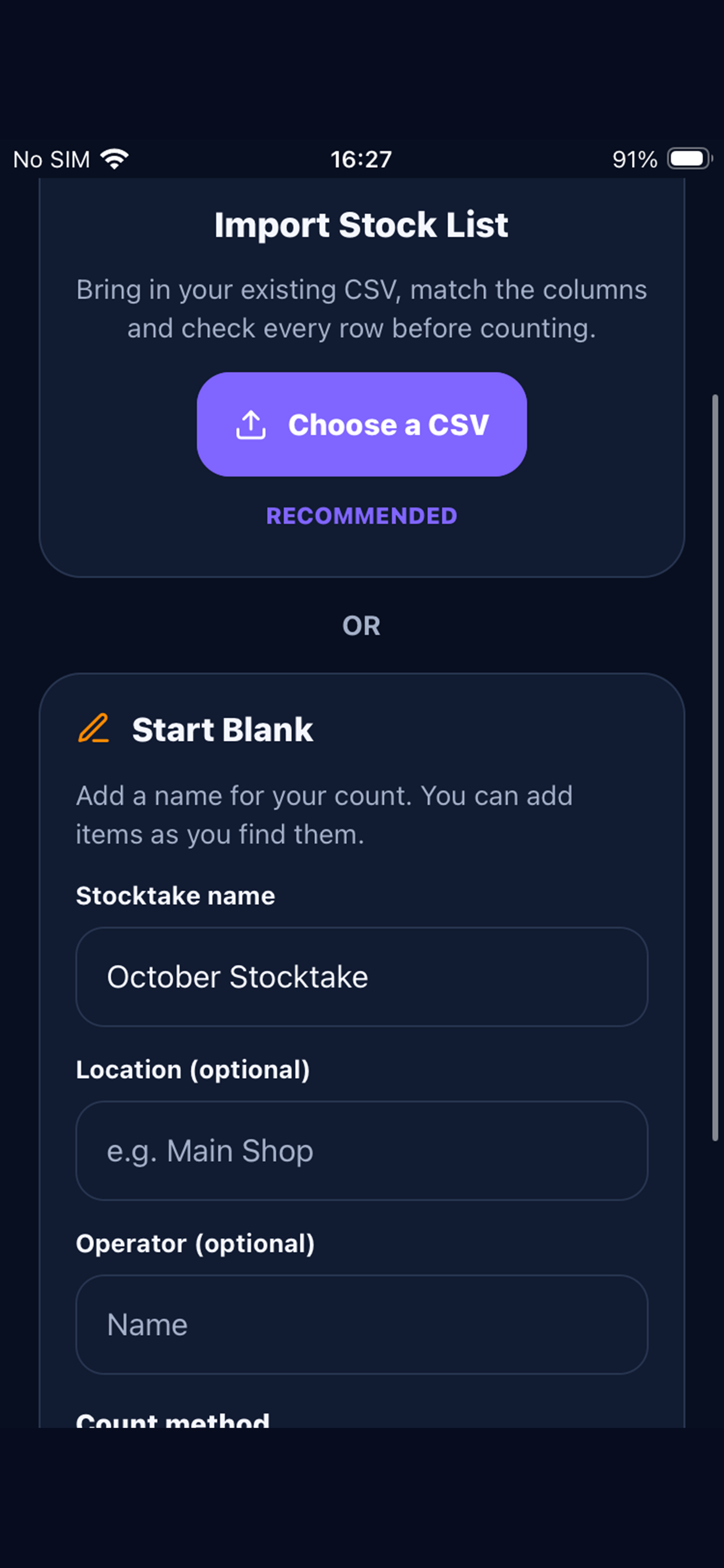
Import a CSV from your spreadsheet or existing system. Match columns for barcode or EAN, SKU, product name, expected quantity, unit cost, location and category.

 CountGridby FutureSpark Studio
Bring in the stock list you already have, count by barcode or by hand, and see what changed—without moving your stock records to another system.
Store price and availability may vary by country.
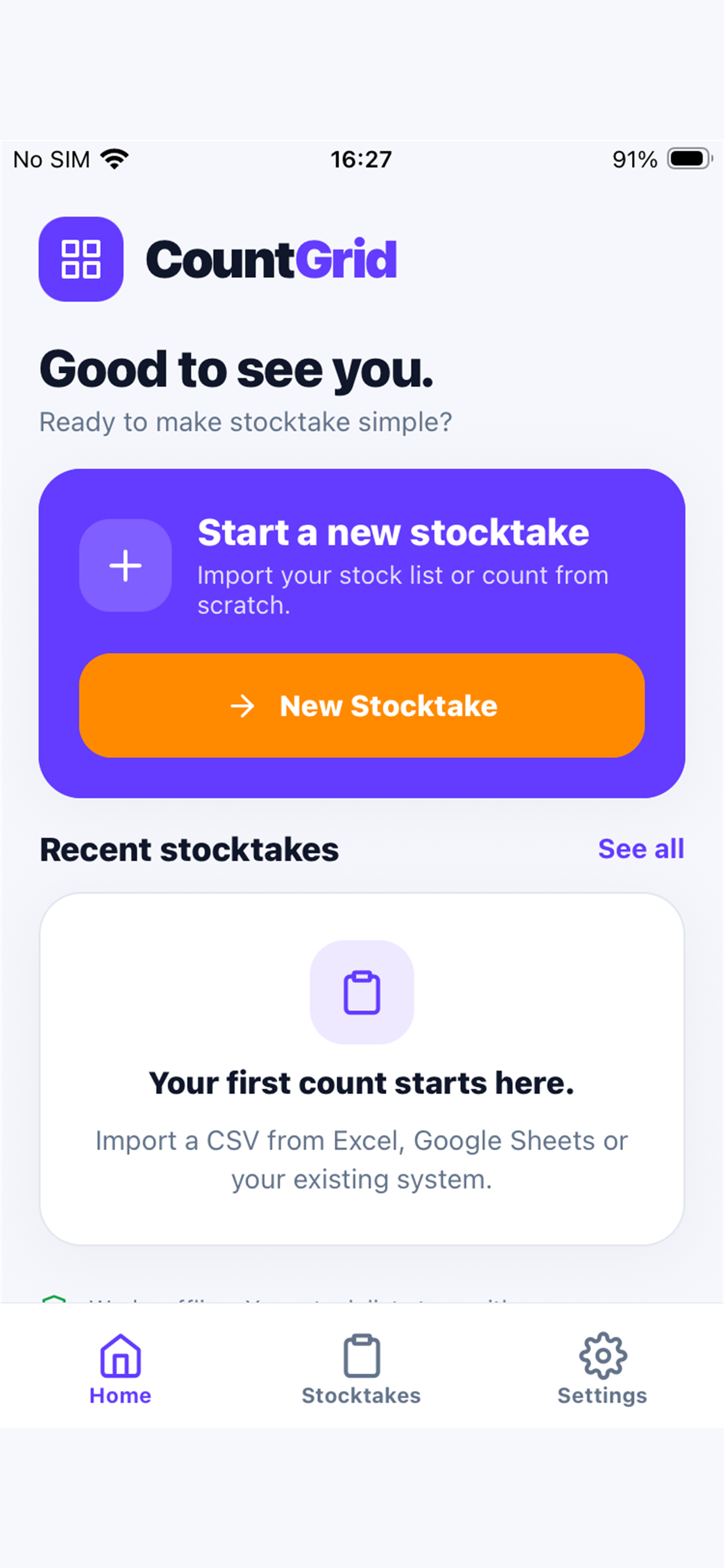
A familiar list. A clearer count.
Import a CSV from your spreadsheet or existing system. Match columns for barcode or EAN, SKU, product name, expected quantity, unit cost, location and category.
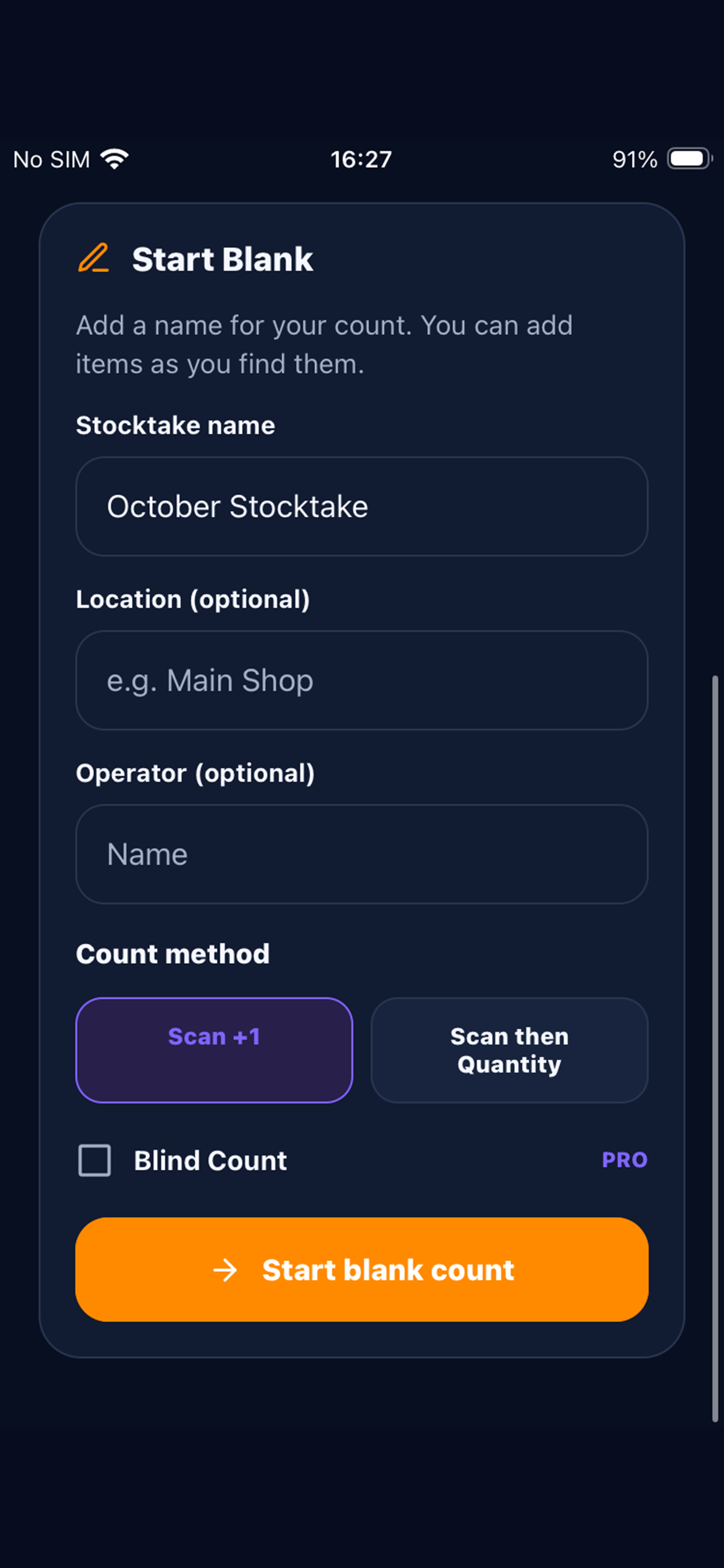
Scan barcodes, find products by search, or enter quantities by hand. Choose Scan +1 for each item or Scan then Quantity when you want to enter the total.
Review matched, short, over, unexpected and uncounted products. Undo the last count action when you need to correct a scan.
Add unit cost to help calculate shortage value, overage value and the net value variance for a stocktake.
Made for the shop floor
START WITH WHAT YOU HAVE
Choose an existing CSV and map its columns to CountGrid fields. Keep identifiers and context that matter to your team, then check the import before counting.
Start free. Upgrade once.
£0
Everything needed to run a straightforward stocktake.
£9.99 UK store price
One purchase for more room and richer reports. No subscription and no ads.
The app stores display their current price and availability before purchase. Localized prices may vary by country.
YOUR STOCK DATA STAYS WITH YOU
Stock lists and counts stay on your device. CountGrid needs no account and uses no analytics. Camera access is used to scan barcodes, and exports are shared only when you choose.
Read the CountGrid Privacy PolicyNo. Start by importing a CSV of your existing stock list, then map its columns to CountGrid fields. You can also create a blank stocktake and add products as you find them.
You can scan a barcode, search by product name, barcode or SKU, or add a product manually. Barcode scanning uses your camera permission; you can count by hand if you prefer.
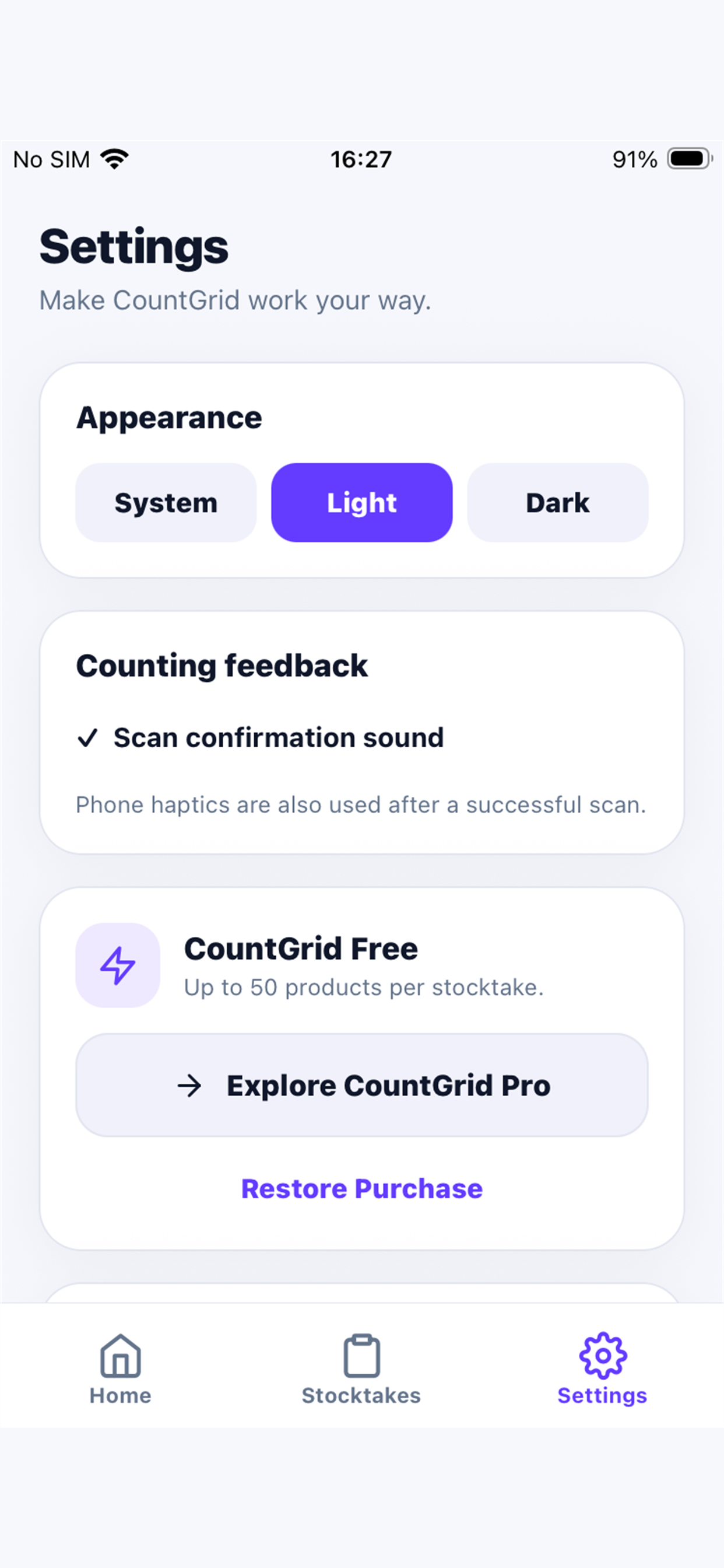
Free supports one active stocktake at a time and up to 50 imported product lines. It includes barcode scanning, manual counting and a results review.
Pro is an optional one-time purchase. It unlocks unlimited products and stocktakes, complete history, full and variance CSV exports, value variance, PDF reports, Blind Count and advanced import mapping. There is no subscription.
Stock lists, stocktakes and counts stay in the app on your device. CountGrid does not require an account and does not use analytics. Exports are created locally; you choose if and where to share them.
NEED A HAND?
For CountGrid questions or support, contact FutureSpark Studio.